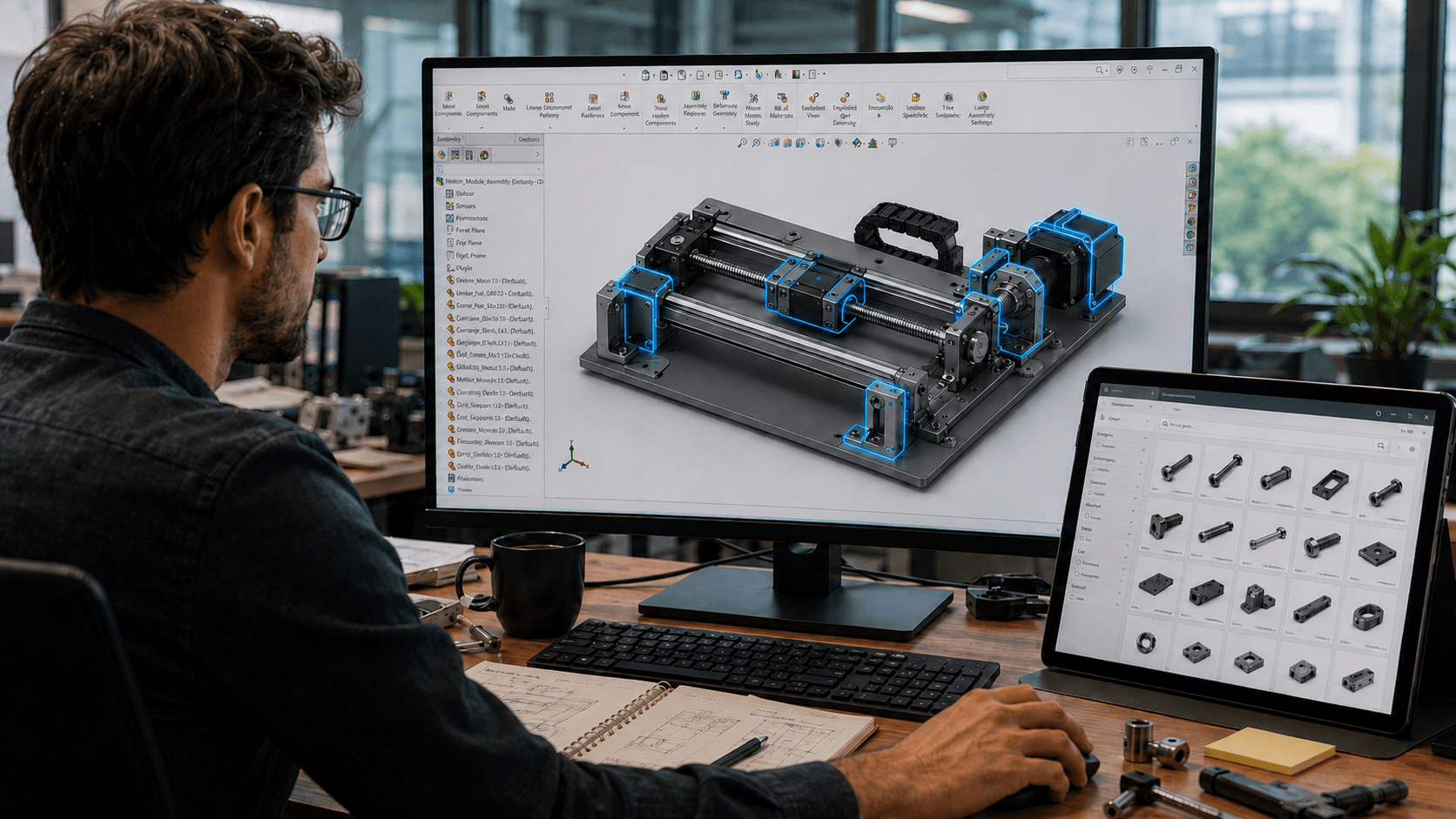
Every beginner asks the same question: what do I need to learn to break into aerospace and defense? Most of them assume the answer is “learn CAD really well,” and then go learn CAD the wrong way: command by command, tutorial by tutorial, with no filter for what actually matters on the job. This post is about that filter.
The mistake almost every CAD beginner makes
When I’ve sat on interview panels shortlisting design engineers, the candidates who struggle are almost never the ones who don’t know CAD. They’re the ones who know too much of the wrong CAD. They’ve spent months learning every command in the software: every surfacing tool, every exotic feature, every menu option, without ever tying that knowledge to a real application.
The goal is not to know every command. The goal is to pick an application and build depth around it. A recruiter or hiring manager can tell within minutes whether a candidate has application-oriented knowledge or just tutorial knowledge, because application-oriented candidates talk about what they built and why, not which buttons they clicked.
If you can’t say which industry application you’re learning CAD for, you’re not learning CAD. You’re just exploring a menu.
What “application-oriented” actually looks like
In aerospace and defense, CAD skill splits into a handful of real applications, not a giant list of commands. Three examples:
1. Electrical routing and formboard drawings. Used heavily in harness design, wiring layouts, and systems integration. If you’re aiming at a role involving wiring harnesses or electrical systems packaging, this is the application to build depth in, not general surfacing.
2. Piping and mechanical routing. Critical in hydraulic systems, fuel lines, and any platform with fluid or pneumatic systems running through it. This is its own skill set with its own command logic, separate from routine part modeling.
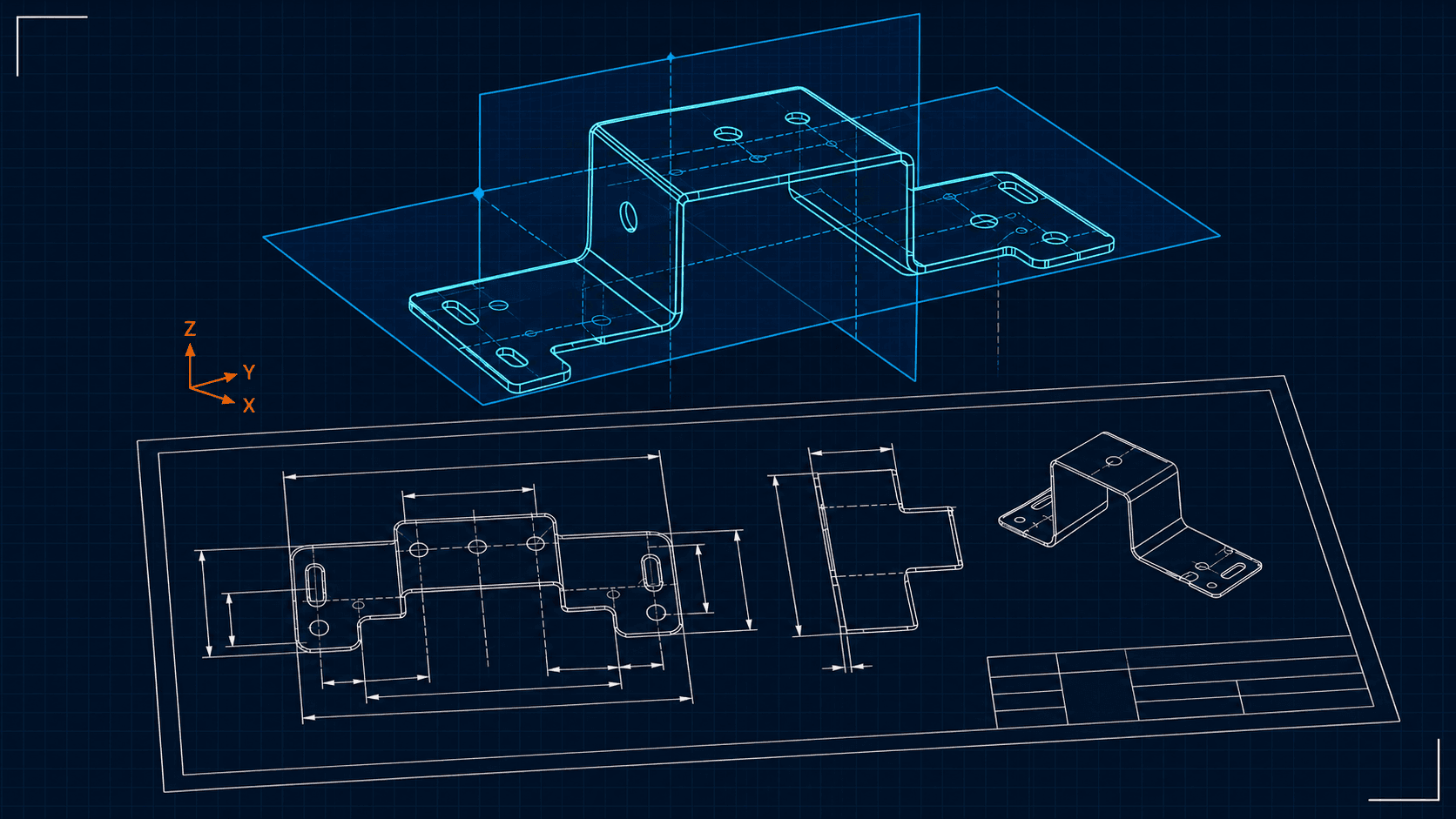
3. Sheet metal modeling. One of the most heavily used applications in armored vehicles and structural platforms. The commands that matter here are the ones around bends, flat patterns, relief cuts, and gauge-driven design, not organic surfacing.
Each of these is a job description in disguise. Whichever one lines up with the platform or industry you want to work in should decide what you spend your first six months mastering.
How I’d approach a completely new CAD software
Here’s a test I use on myself: if someone told me I’d be using a CAD software I’d never touched before, starting a new job in a month, here’s the order I’d learn it in. It applies whether that software is SolidWorks, NX, or Creo.
- Sketching. Get a solid, boring, complete grasp of it. Every downstream feature depends on a sketch being fully defined and intent-driven.
- Basic solid commands. Extrude and cut. Not exotic features. Just these two, done cleanly, cover most of what a junior design task requires.
- Creating planes. This is the one beginners underrate the most. Reference planes are how you control design intent as a model grows in complexity. Weak plane strategy is the root cause of most broken feature trees.
- In-context modeling. This is the most important skill in any CAD software, in any industry. Real design almost never happens in isolation; parts reference other parts, assemblies drive part geometry, and interfaces have to update together. If you only learn one advanced skill, make it this one.
Only after these four would I start specializing, and specializing means picking the industry application, not the software’s full command list.
Why the application depends on the industry
This is where a lot of beginners get the sequencing backwards. The application you go deep on should match the platform you’re targeting, not the other way around.
Take armored vehicles as an example. If that’s your target, the priority is sheet metal modeling down to its core: bend tables, relief types, corner treatments, followed by weldments and welded structure design. Complex organic surface modeling has almost no use case in that world. A beginner who spends their first six months mastering advanced surfacing for an armored vehicle role has optimized for the wrong thing. That skill can wait; it might take six months in the software before it’s even relevant there.
Now take drone or airframe design. The story flips. Complex surface modeling becomes one of the most valuable skills you can have, because aerodynamic surfaces and lofted geometry are core to the work. The same six months that were wasted on surfacing for an armored vehicle role would be exactly the right investment here.
This is the entire point: application-based learning means matching your depth to your target industry, not chasing breadth for its own sake.
Where this connects to manufacturing
Knowing the right CAD application gets you a model that reflects real design intent. But a model that looks right on screen still has to be manufacturable, and that’s a separate skill most CAD-focused beginners skip entirely. Sheet metal commands are only useful if you also understand bend allowances, tooling limitations, and material behavior; the same goes for machined and welded parts. That’s exactly what the next post in this series covers: Design for Manufacturing 101: The Standards Every Engineer Should Know, where I go into the ISO, ASME, and AWS standards, drawing conventions, and welding symbols that turn a good CAD model into a part someone can actually build.
The short version
Don’t learn CAD by command count. Learn it by application, and pick the application that matches the industry you’re targeting. Master sketching, basic solids, plane strategy, and in-context modeling first: that foundation transfers across every software and every application. Everything after that should be a deliberate choice, not a tutorial rabbit hole.