You are browsing as guest.
Browse

Industry-grade CFD projects and a guided learning path - built by practicing simulation engineers for real validation workflows.

Explore

ProjectsLearning PathLive ClassAboutJournalCertificates

Contact

info@mechtasia.com
Powered by Arctrait© 2026 Mechtasia
TermsPrivacyRefunds

Cart

0 items
Your cart is empty
Browse projects or the learning path to start checkout.
ESC
From Wiring Diagram to Harness: Complete Siemens NX Electrical Routing (Live 4-Day Class)
Live class
CAD · 4 SESSIONS

From Wiring Diagram to Harness: Complete Siemens NX Electrical Routing (Live 4-Day Class)

Live four-day virtual class on the complete Siemens NX electrical routing workflow, from wiring diagram to manufacturer-ready formboard.

From Wiring Diagram to Harness: Complete Siemens NX Electrical Routing (Live 4-Day Class)

About this class

This live, four-day virtual class is built for both mechanical and electrical engineers. Harness routing with dedicated CAD commands is a skill most designers never learn, and having it makes you the engineer who can work across an entire vehicle or aircraft program, not just your own discipline.

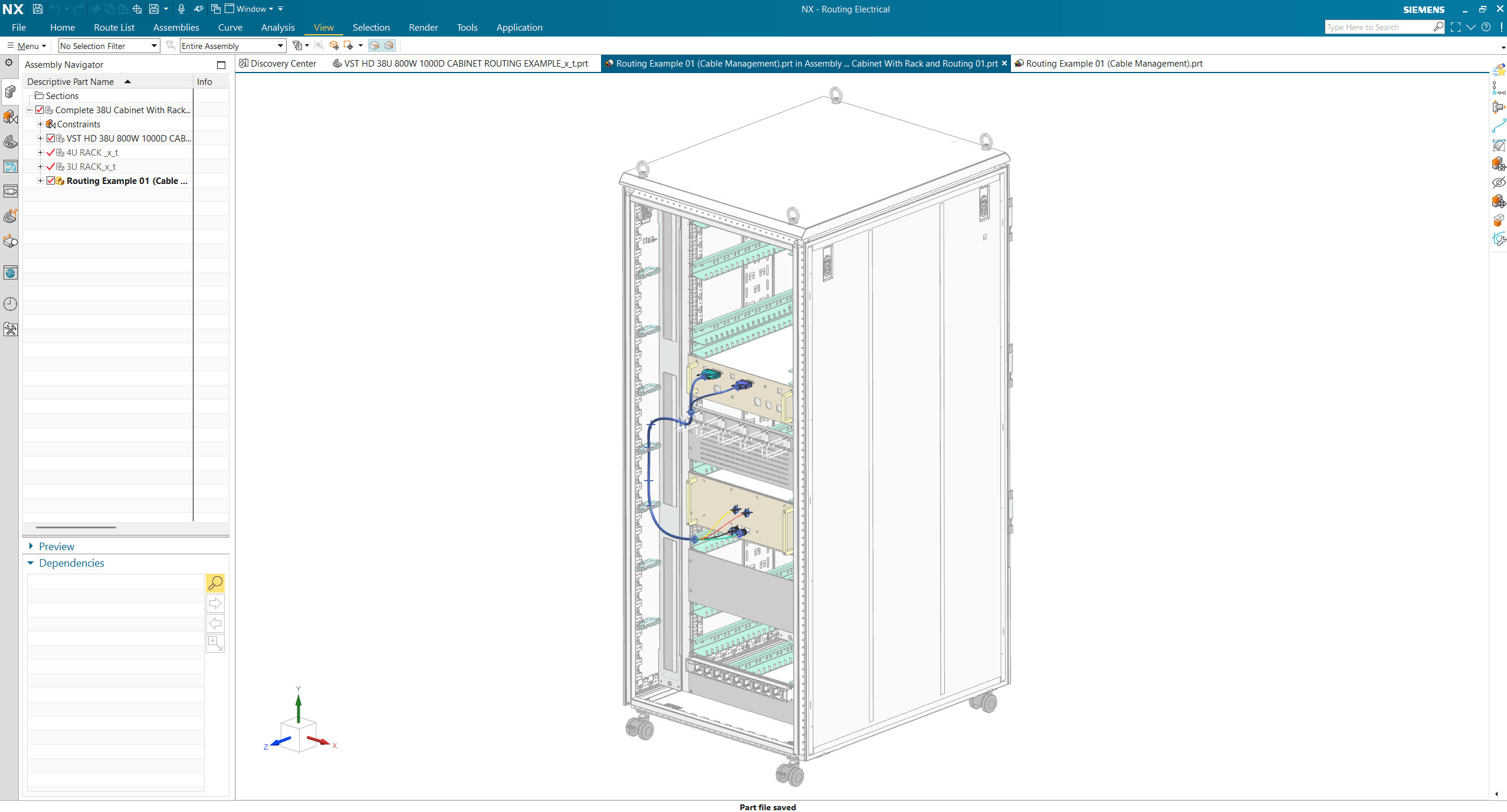
You’ll learn the complete workflow inside Siemens NX, done solely in NX with no need to create XML files through NX Capital: starting from a wiring diagram, qualifying connectors, building routing paths, using the connection wizard, and joining connectors into a complete harness. You’ll work hands-on from day one using provided files, then apply everything to a real industry-grade example: a multi-branch harness routed and managed inside a 38U cabinet. From there, you’ll flatten the harness into a complete formboard drawing, the exact document handed to a harness manufacturer to build the physical harness.

This class is taught by Hamza Ali, a mechanical design engineer with real experience at Thales, Saab, EDGE Group, and Calidus, who has routed hundreds of harnesses and knows the industry’s best practices firsthand, including how to set buffer and safe length values, update a harness after a routing change, and replace a connector without rebuilding the design.

The skills you learn in this class are directly applicable across major industries, including aerospace and defense, data center and server rack infrastructure, automotive, and many more.

Learning outcomes

  1. Qualify connectors in NX Routing Electrical
  2. Define and build routing paths for cables and harnesses
  3. Use the connection wizard to place and connect components
  4. Join connectors to build a complete harness
  5. Route and manage a real multi-branch harness inside a 38U cabinet
  6. Flatten a 3D harness into a complete formboard drawing
  7. Add buffer and safe length values based on real-world routing practice
  8. Update a harness's length after a routing path change
  9. Replace a connector without rebuilding the harness
  10. Take a wiring diagram through to manufacturer-ready NX documentation

What's included

4 live virtual sessions, 1hr to 1hr15min each
Connector start file for hands-on qualification practice from day one
Real industry-grade 38U cabinet and connector files, provided after login
Live instruction with direct access to ask questions during class
Formboard drawing example to reference for your own work

Instructor

Hamza Ali

Hamza Ali

Lead instructor at Mechtasia

Contact instructor

  • hamza.ali@mechtasia.com
  • LinkedIn

Hamza Ali is a mechanical design engineer with over 8 years of experience in the aerospace and defense industry, having worked with companies including Thales, Saab, EDGE Group, and Calidus. One of his core areas of expertise is electrical and cable harness routing using Siemens NX, where he has personally routed hundreds of cables and harnesses for production programs, including a complex multi-connector wiring harness for an armored vehicle platform.

Hamza also brings deep CAD experience across SolidWorks, PTC Creo, and Siemens NX, along with a strong grounding in GD&T and manufacturing drawing standards developed over years of defense industry work. He holds a PTC University certification and has completed more than 100 certifications across design, programming, and simulation.

Hamza is one of the lead instructors at Mechtasia, where he teaches engineers real, production-tested routing practices, not just software commands.

Compatible software

Siemens NX
$800USD · one-time
4 live virtual sessions · 1–1hr 15min each
  • 4 live virtual sessions, 1hr to 1hr15min each
  • Connector start file for hands-on qualification practice from day one
  • Real industry-grade 38U cabinet and connector files, provided after login
  • Live instruction with direct access to ask questions during class
  • Formboard drawing example to reference for your own work

Related projects

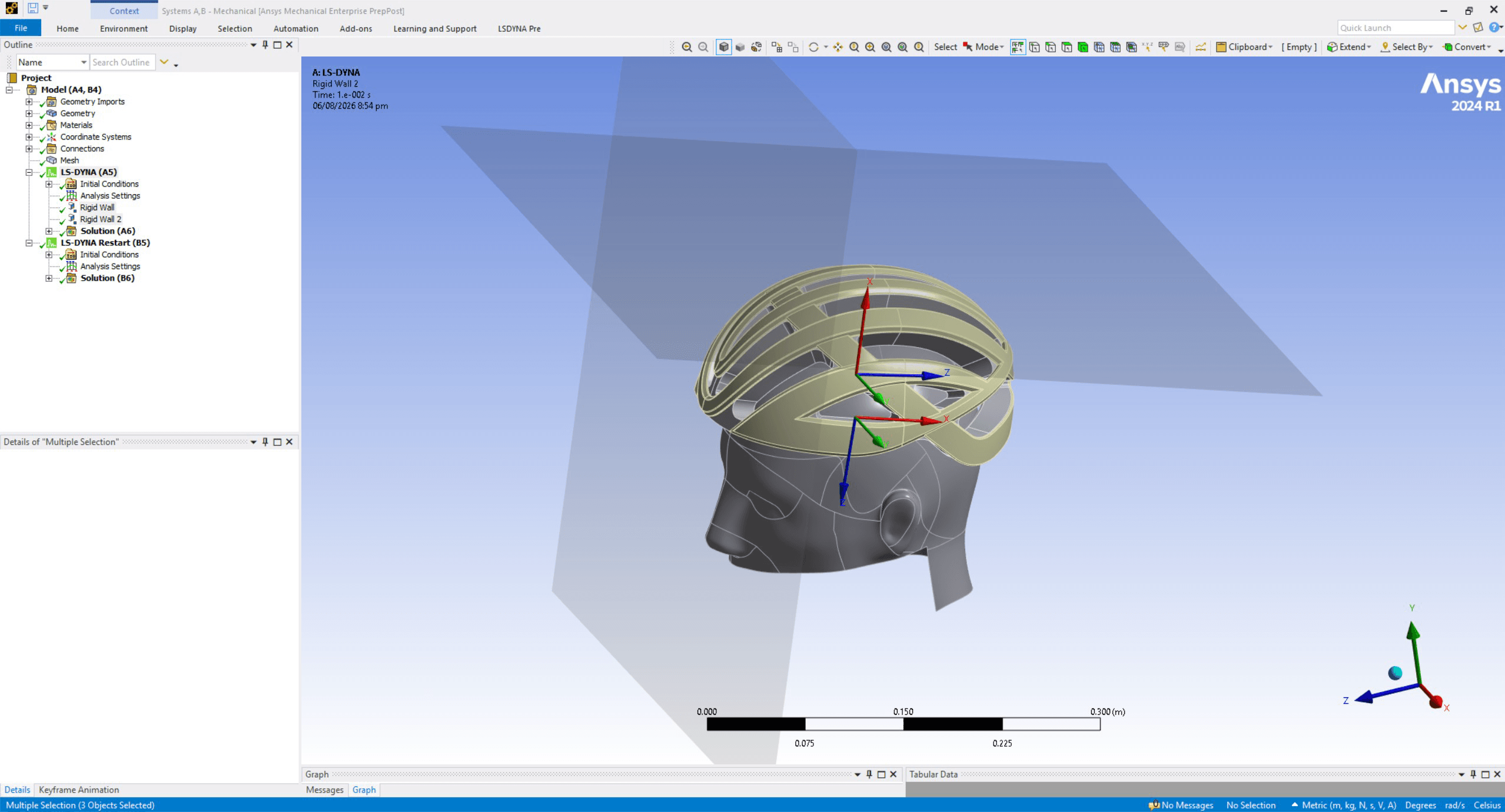
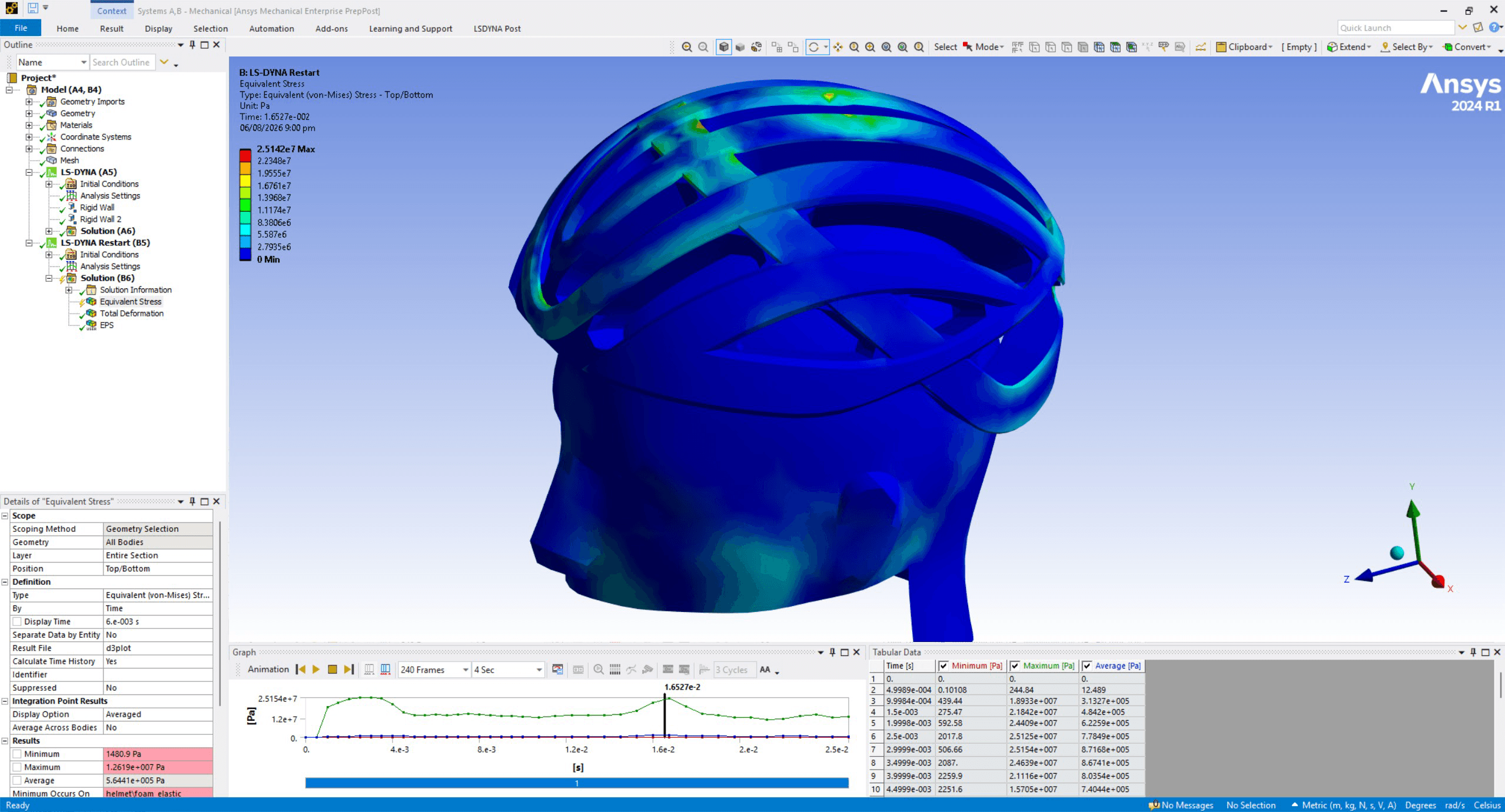
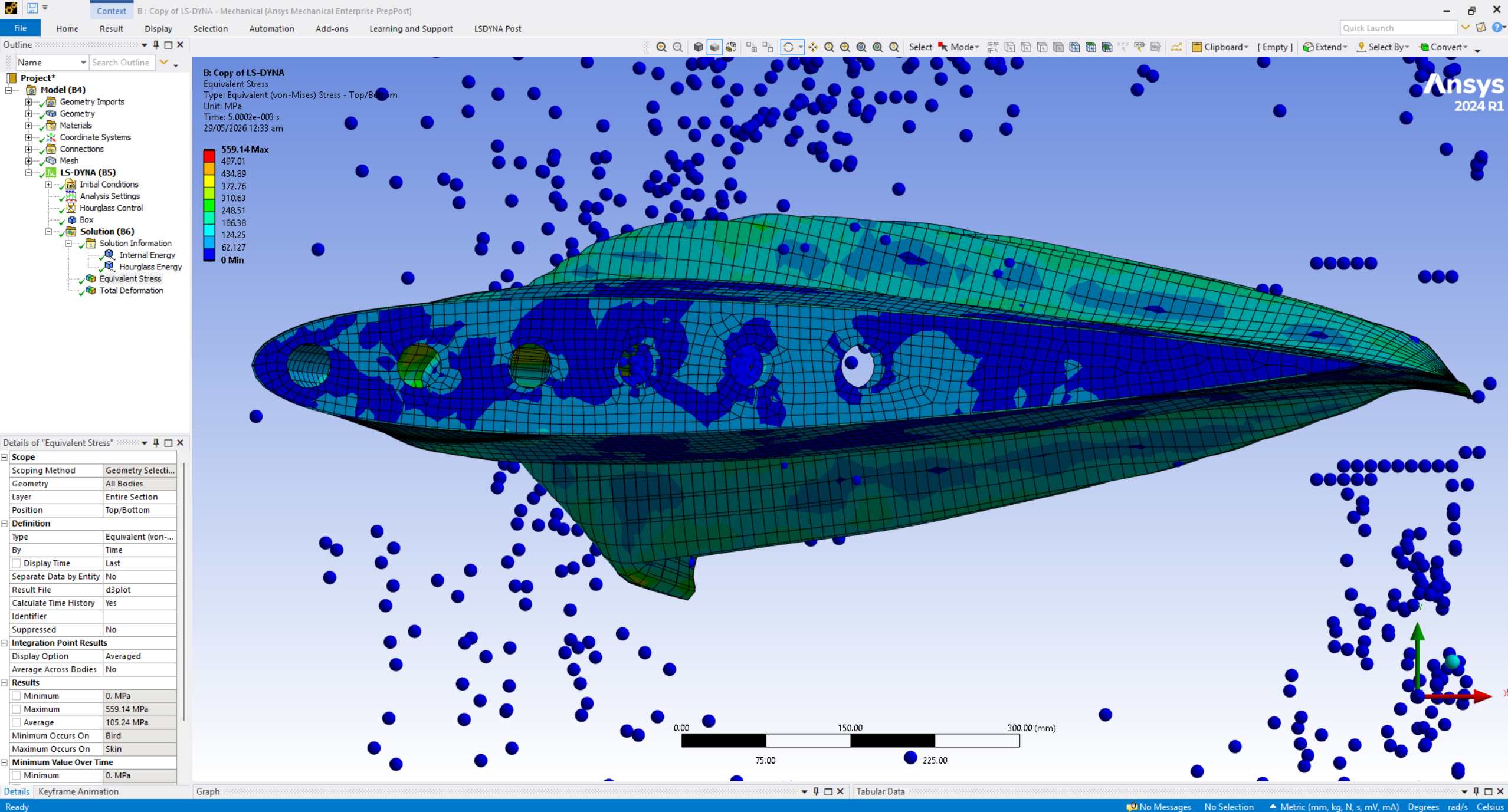
Bicycle Helmet Drop & Multiple Impact Simulation – Explicit Dynamics Workflow in Ansys LS-DynaBicycle Helmet Drop & Multiple Impact Simulation – Explicit Dynamics Workflow in Ansys LS-DynaBicycle Helmet Drop & Multiple Impact Simulation – Explicit Dynamics Workflow in Ansys LS-Dyna
11 min video

Bicycle Helmet Drop & Multiple Impact Simulation – Explicit Dynamics Workflow in Ansys LS-Dyna

Complete bicycle helmet drop and multi-impact explicit dynamics workflow in Ansys Workbench LS-Dyna - materials, rigid wall setup, energy validation, and sequential restart impacts.

$30USD
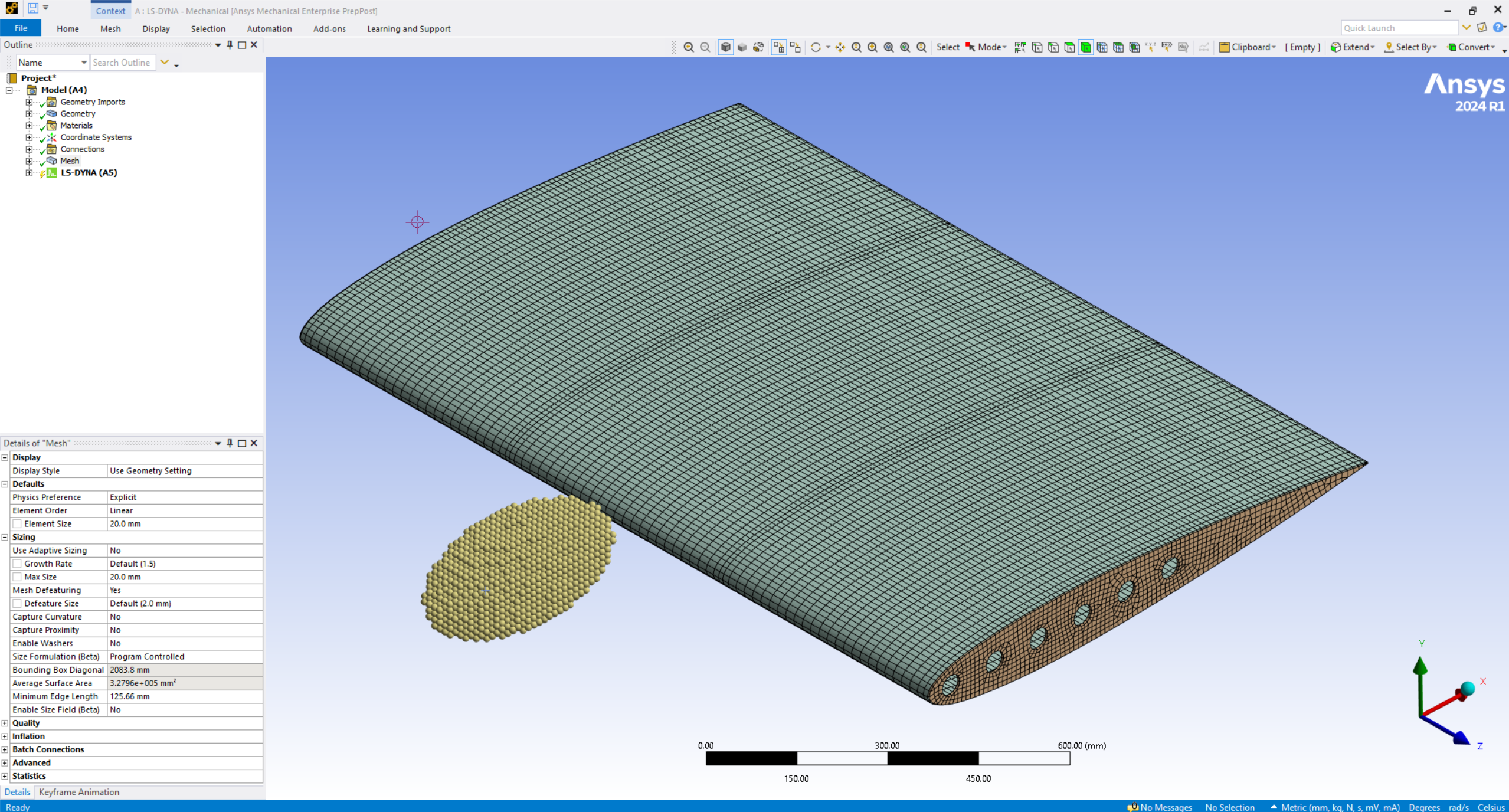
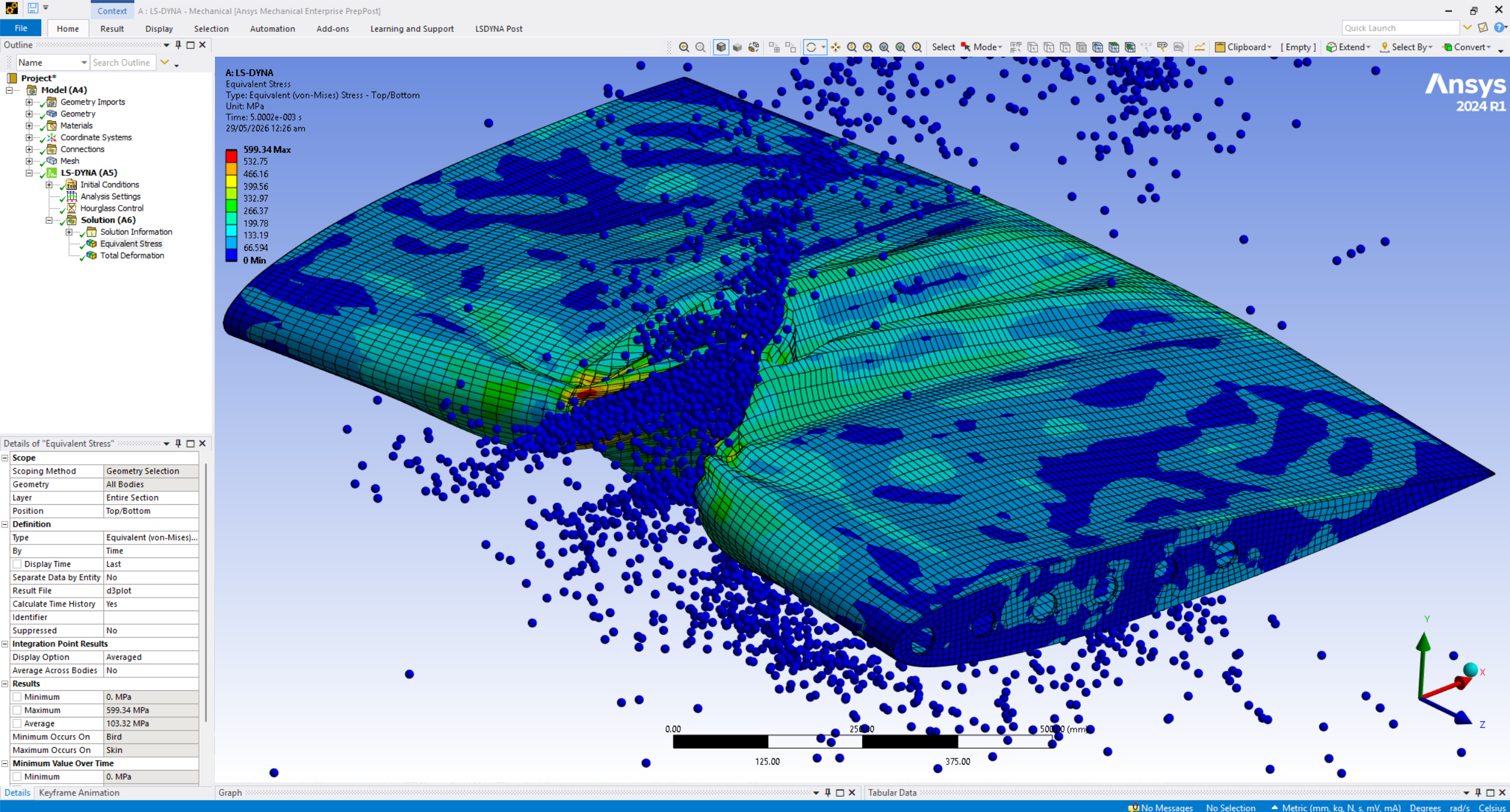
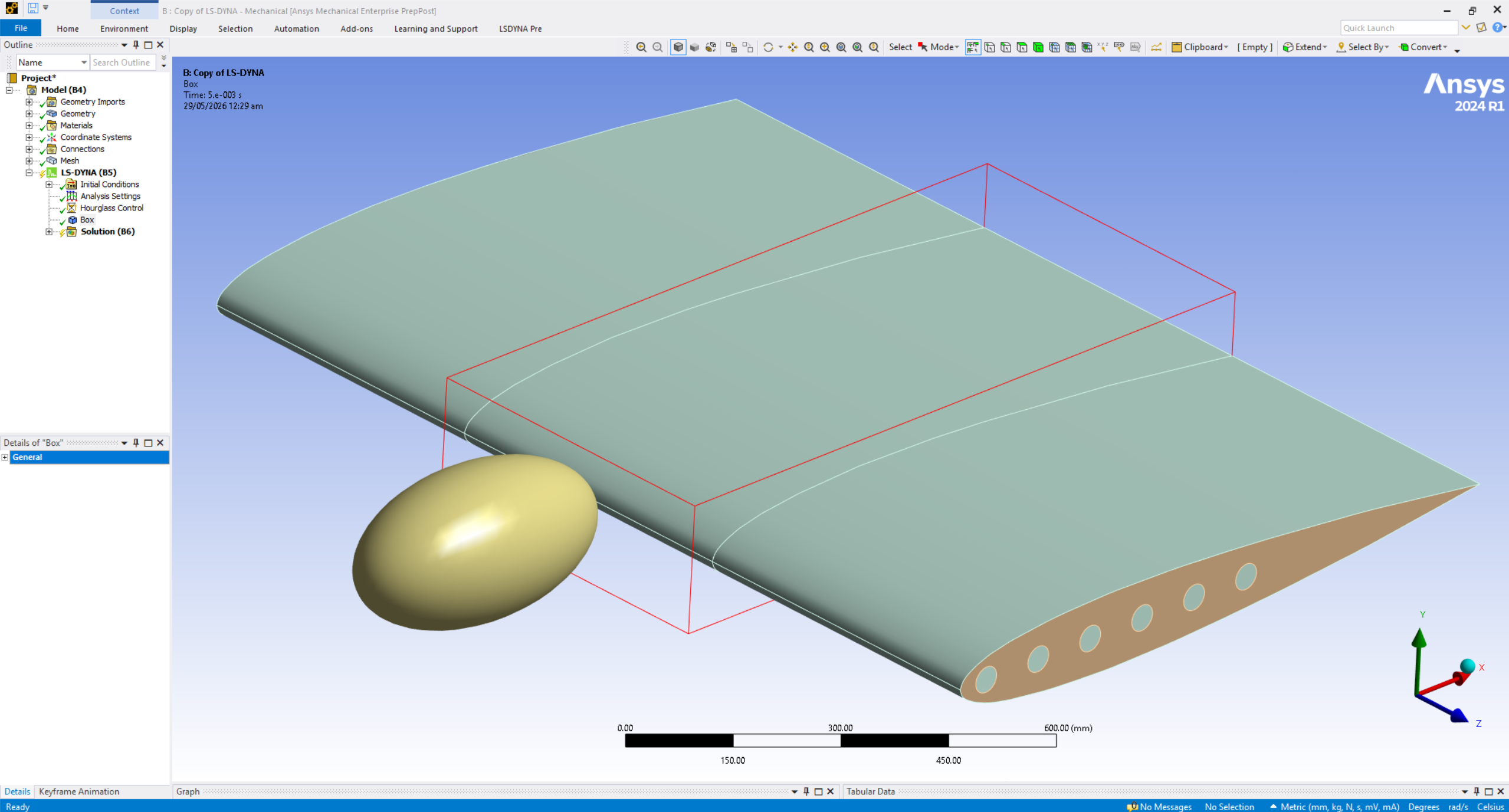
Bird Strike Analysis on Airfoil – SPH Workflow in Ansys LS-DynaBird Strike Analysis on Airfoil – SPH Workflow in Ansys LS-DynaBird Strike Analysis on Airfoil – SPH Workflow in Ansys LS-DynaBird Strike Analysis on Airfoil – SPH Workflow in Ansys LS-Dyna
9 min video

Bird Strike Analysis on Airfoil – SPH Workflow in Ansys LS-Dyna

Production-level SPH bird strike simulation on an airfoil in Ansys LS-Dyna - the same explicit dynamics methodology used for aerospace impact and crashworthiness certification.

$30USD
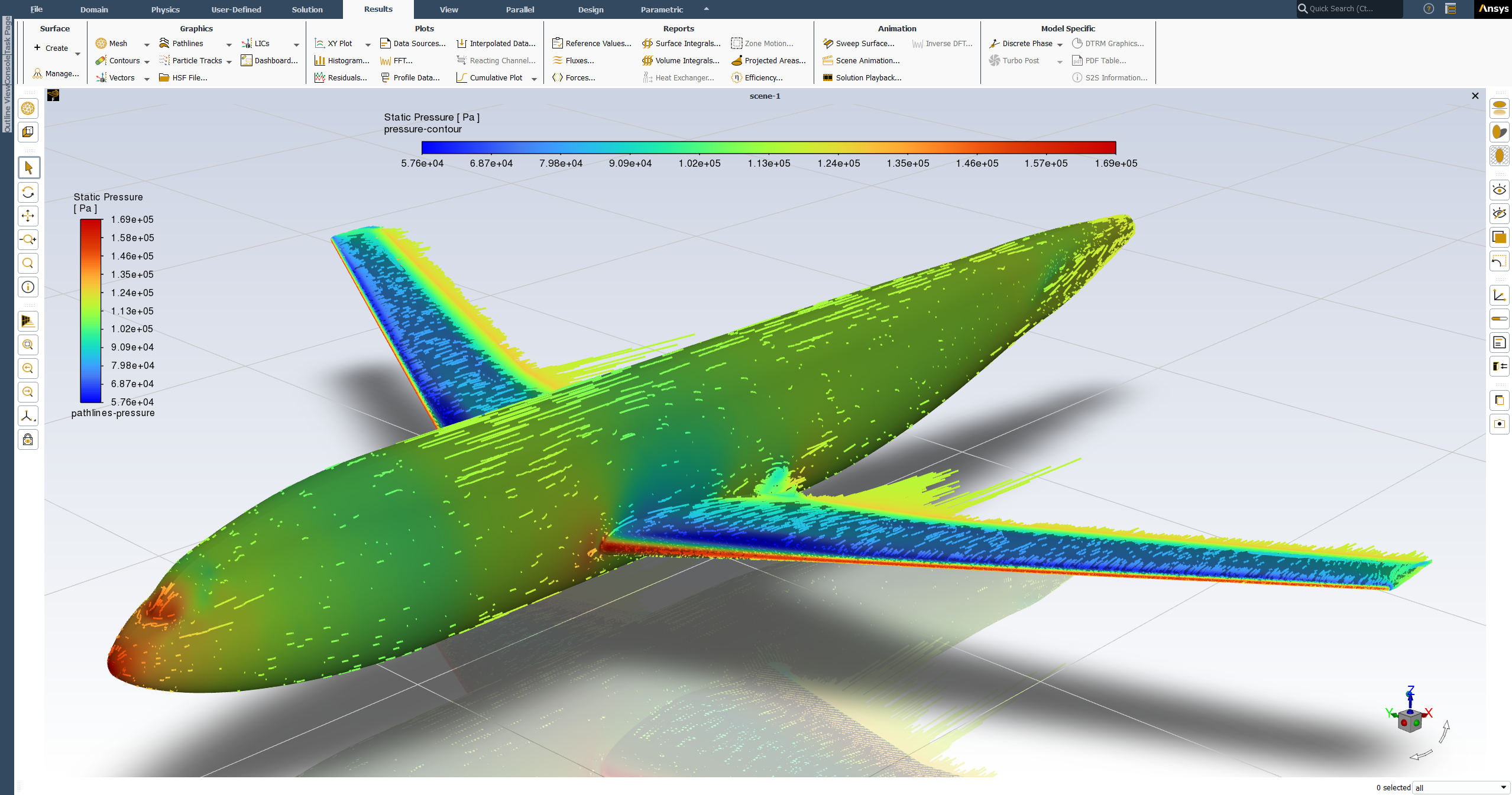
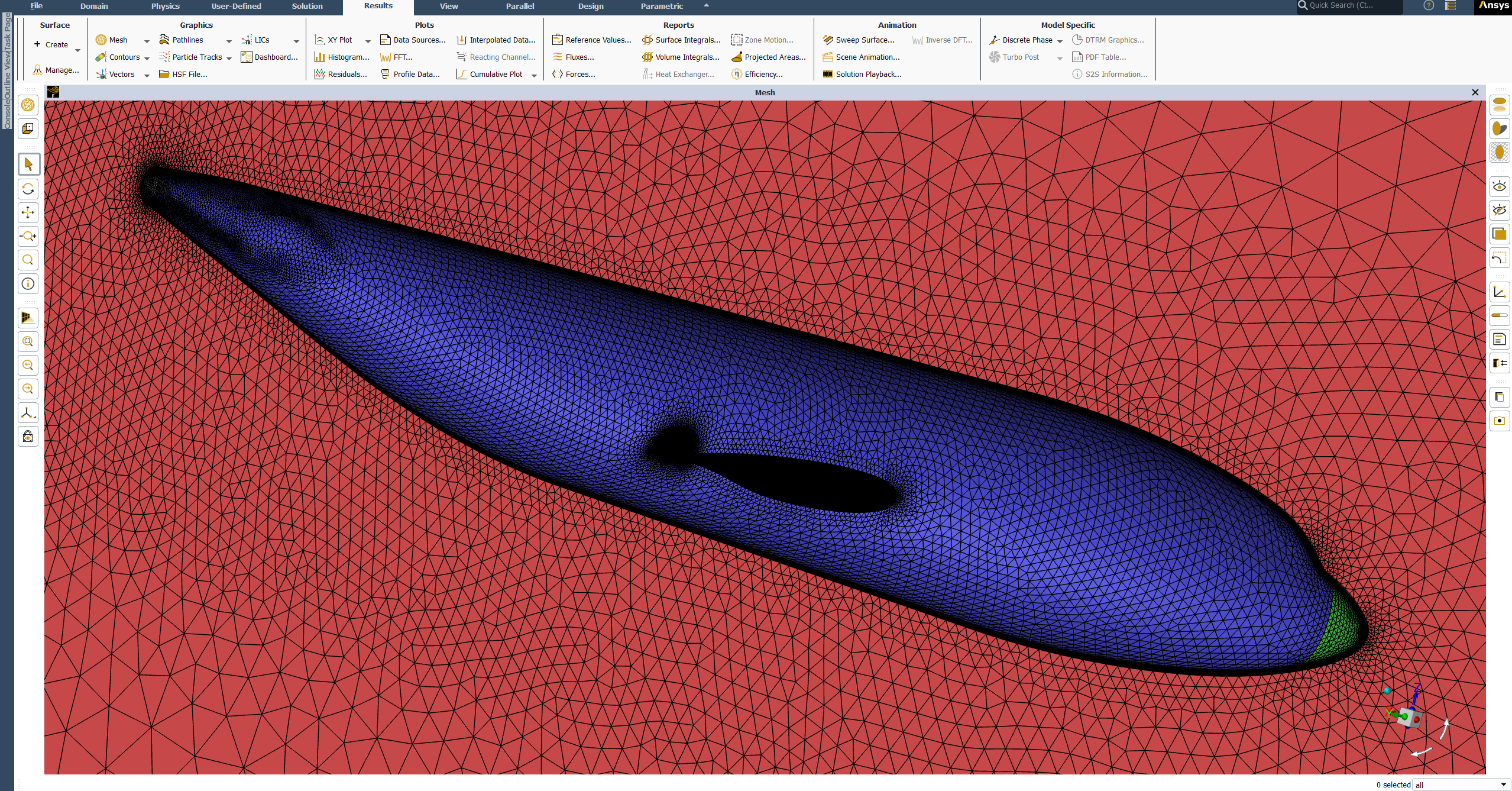
DLR-F6 Wing-Body External Aerodynamics - Full CFD Simulation Workflow in ANSYS FluentDLR-F6 Wing-Body External Aerodynamics - Full CFD Simulation Workflow in ANSYS FluentDLR-F6 Wing-Body External Aerodynamics - Full CFD Simulation Workflow in ANSYS Fluent
32 min video

DLR-F6 Wing-Body External Aerodynamics - Full CFD Simulation Workflow in ANSYS Fluent

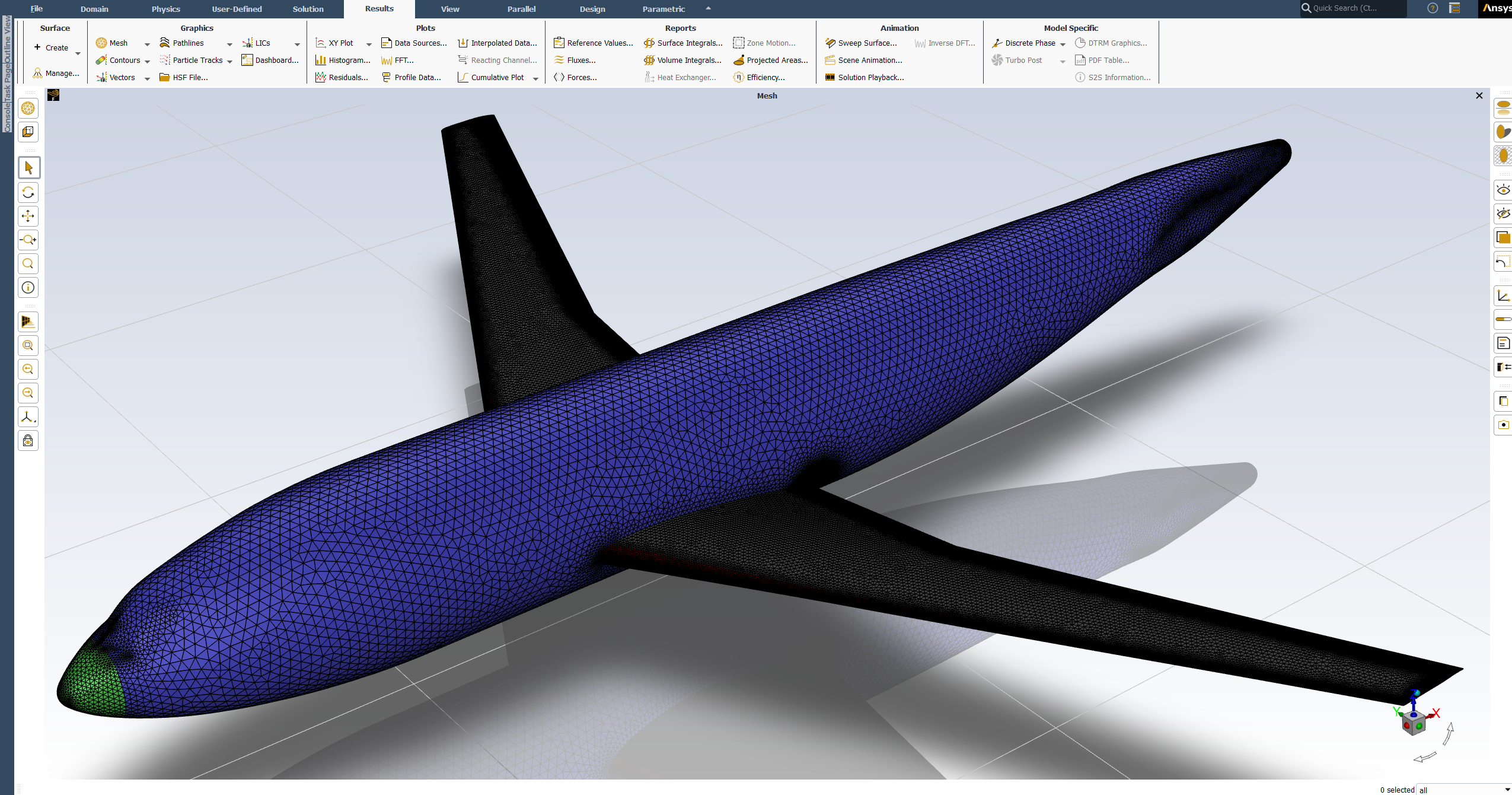
Production-ready DLR-F6 wing-body external aerodynamics CFD - geometry preparation through solver setup, post-processing, and experimental validation with y⁺ ≤ 1 transition modeling.

$50USD
CAD · 4 SESSIONS

From Wiring Diagram to Harness: Complete Siemens NX Electrical Routing (Live 4-Day Class)

Live four-day virtual class on the complete Siemens NX electrical routing workflow, from wiring diagram to manufacturer-ready formboard.

From Wiring Diagram to Harness: Complete Siemens NX Electrical Routing (Live 4-Day Class)

About this class

This live, four-day virtual class is built for both mechanical and electrical engineers. Harness routing with dedicated CAD commands is a skill most designers never learn, and having it makes you the engineer who can work across an entire vehicle or aircraft program, not just your own discipline.

You’ll learn the complete workflow inside Siemens NX, done solely in NX with no need to create XML files through NX Capital: starting from a wiring diagram, qualifying connectors, building routing paths, using the connection wizard, and joining connectors into a complete harness. You’ll work hands-on from day one using provided files, then apply everything to a real industry-grade example: a multi-branch harness routed and managed inside a 38U cabinet. From there, you’ll flatten the harness into a complete formboard drawing, the exact document handed to a harness manufacturer to build the physical harness.

This class is taught by Hamza Ali, a mechanical design engineer with real experience at Thales, Saab, EDGE Group, and Calidus, who has routed hundreds of harnesses and knows the industry’s best practices firsthand, including how to set buffer and safe length values, update a harness after a routing change, and replace a connector without rebuilding the design.

The skills you learn in this class are directly applicable across major industries, including aerospace and defense, data center and server rack infrastructure, automotive, and many more.
Learning outcomes

  1. Qualify connectors in NX Routing Electrical
  2. Define and build routing paths for cables and harnesses
  3. Use the connection wizard to place and connect components
  4. Join connectors to build a complete harness
  5. Route and manage a real multi-branch harness inside a 38U cabinet
  6. Flatten a 3D harness into a complete formboard drawing
  7. Add buffer and safe length values based on real-world routing practice
  8. Update a harness's length after a routing path change
  9. Replace a connector without rebuilding the harness
  10. Take a wiring diagram through to manufacturer-ready NX documentation

What's included

4 live virtual sessions, 1hr to 1hr15min each
Connector start file for hands-on qualification practice from day one
Real industry-grade 38U cabinet and connector files, provided after login
Live instruction with direct access to ask questions during class
Formboard drawing example to reference for your own work

Instructor

Hamza Ali

Hamza Ali

Lead instructor at Mechtasia

Contact instructor

  • hamza.ali@mechtasia.com
  • LinkedIn

Hamza Ali is a mechanical design engineer with over 8 years of experience in the aerospace and defense industry, having worked with companies including Thales, Saab, EDGE Group, and Calidus. One of his core areas of expertise is electrical and cable harness routing using Siemens NX, where he has personally routed hundreds of cables and harnesses for production programs, including a complex multi-connector wiring harness for an armored vehicle platform.

Hamza also brings deep CAD experience across SolidWorks, PTC Creo, and Siemens NX, along with a strong grounding in GD&T and manufacturing drawing standards developed over years of defense industry work. He holds a PTC University certification and has completed more than 100 certifications across design, programming, and simulation.

Hamza is one of the lead instructors at Mechtasia, where he teaches engineers real, production-tested routing practices, not just software commands.

Compatible software

Siemens NX
$800USD · one-time
4 live virtual sessions · 1–1hr 15min each
  • 4 live virtual sessions, 1hr to 1hr15min each
  • Connector start file for hands-on qualification practice from day one
  • Real industry-grade 38U cabinet and connector files, provided after login
  • Live instruction with direct access to ask questions during class
  • Formboard drawing example to reference for your own work

Related projects

Bicycle Helmet Drop & Multiple Impact Simulation – Explicit Dynamics Workflow in Ansys LS-DynaBicycle Helmet Drop & Multiple Impact Simulation – Explicit Dynamics Workflow in Ansys LS-DynaBicycle Helmet Drop & Multiple Impact Simulation – Explicit Dynamics Workflow in Ansys LS-Dyna
11 min video

Bicycle Helmet Drop & Multiple Impact Simulation – Explicit Dynamics Workflow in Ansys LS-Dyna

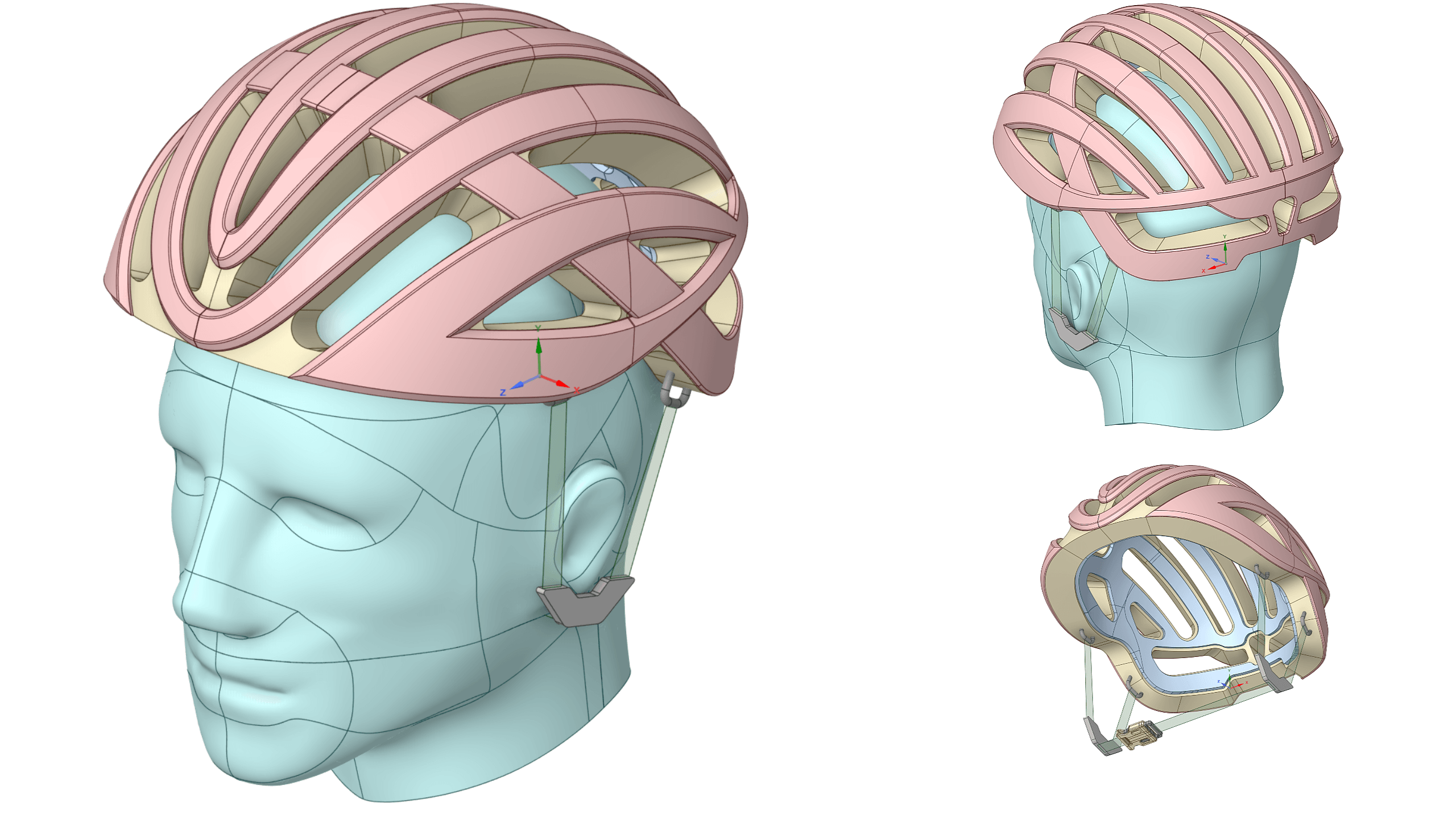
Complete bicycle helmet drop and multi-impact explicit dynamics workflow in Ansys Workbench LS-Dyna - materials, rigid wall setup, energy validation, and sequential restart impacts.

$30USD
Bird Strike Analysis on Airfoil – SPH Workflow in Ansys LS-DynaBird Strike Analysis on Airfoil – SPH Workflow in Ansys LS-DynaBird Strike Analysis on Airfoil – SPH Workflow in Ansys LS-DynaBird Strike Analysis on Airfoil – SPH Workflow in Ansys LS-Dyna
9 min video

Bird Strike Analysis on Airfoil – SPH Workflow in Ansys LS-Dyna

Production-level SPH bird strike simulation on an airfoil in Ansys LS-Dyna - the same explicit dynamics methodology used for aerospace impact and crashworthiness certification.

$30USD
DLR-F6 Wing-Body External Aerodynamics - Full CFD Simulation Workflow in ANSYS FluentDLR-F6 Wing-Body External Aerodynamics - Full CFD Simulation Workflow in ANSYS FluentDLR-F6 Wing-Body External Aerodynamics - Full CFD Simulation Workflow in ANSYS Fluent
32 min video

DLR-F6 Wing-Body External Aerodynamics - Full CFD Simulation Workflow in ANSYS Fluent

Production-ready DLR-F6 wing-body external aerodynamics CFD - geometry preparation through solver setup, post-processing, and experimental validation with y⁺ ≤ 1 transition modeling.

$50USD