You are browsing as guest.
Browse

Industry-grade CFD projects and a guided learning path - built by practicing simulation engineers for real validation workflows.

Explore

ProjectsLearning PathAboutJournalCertificates

Contact

info@mechtasia.com
Powered by Arctrait© 2026 Mechtasia
TermsPrivacyRefunds

Cart

0 items
Your cart is empty
Browse projects or the learning path to start checkout.
ESC
No results for “”. Try “CFD” or “mesh”.
CFD Simulation · NACA-RESEARCH-PROPELLER-CFD-WORKFLOW-ANSYS-FLUENT

NACA Research Propeller External Aerodynamics - Complete CFD Simulation Workflow in Ansys Fluent

Complete NACA 4-(3)(08)-03 research propeller external aerodynamics CFD - Reference Frame Motion Modeling, periodic sector domain, and thrust validation against published NACA experimental data.

NACA Research Propeller External Aerodynamics - Complete CFD Simulation Workflow in Ansys Fluent

About this project

A complete external aerodynamics CFD simulation of the NACA 4-(3)(08)-03 two-blade research propeller, one of the most well documented propeller geometries in aerodynamics, with published experimental data available for validation. This project covers the full CFD workflow from geometry preparation in SpaceClaim to post-processing and experimental thrust validation in Ansys Fluent. The simulation is built around the Reference Frame Motion Modeling approach, also known as the Frozen Rotor method, which allows the rotating propeller to be simulated efficiently without physically moving the mesh, making it ideal for steady-state propeller aerodynamics. The domain is modeled as a 180 degree periodic sector taking advantage of the two-blade symmetry to reduce computational cost while preserving full solution accuracy. Special attention is given to the correct setup of the rotating and stationary fluid domains, the creation of rotational periodic interfaces and the proper blade wall boundary condition setup inside a rotating reference frame. Every solver setting and modelling decision is explained in detail so you understand not just what to select, but why, giving you the engineering judgment to apply the same approach to your own rotating machinery projects.
Learning outcomes

  1. Prepare the propeller geometry in SpaceClaim including rotating and stationary fluid domains, bodies of influence, Shared Topology and Named Selections.
  2. Generate a high quality mesh using the Watertight Geometry Workflow with local sizing controls and boundary layer setup for rotating machinery external aerodynamics.
  3. Set up a steady-state compressible flow simulation using the Reference Frame Motion Modeling approach with rotational periodic boundary conditions.
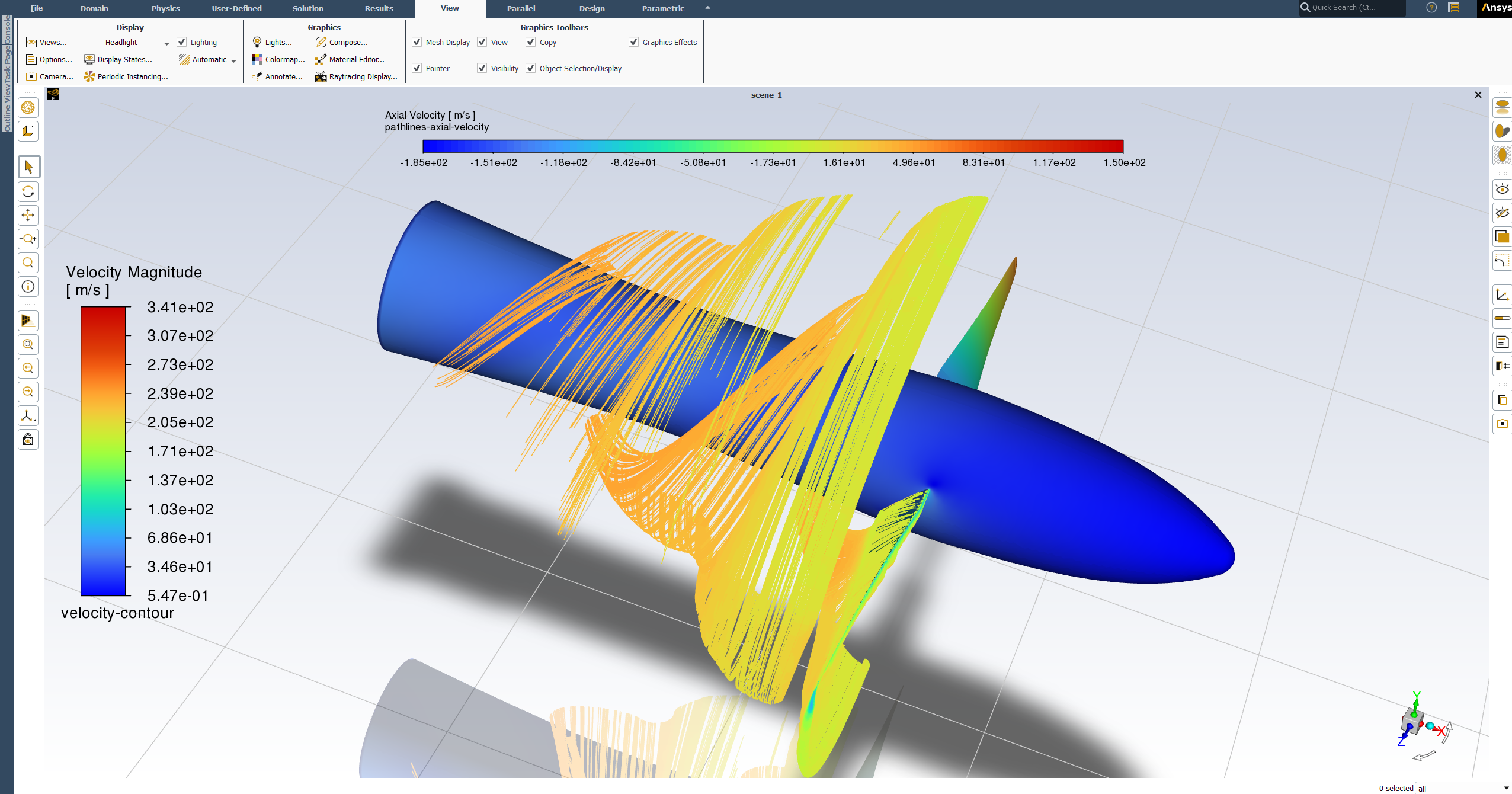
  4. Calculate thrust from CFD results, validate against published NACA experimental data and post-process results including pressure contours, axial velocity contours and helical slipstream pathlines.

What's included

Full step-by-step video walkthrough
NACA propeller geometry files in Step, IGES, Parasolid and SpaceClaim formats
Fully prepared watertight geometry file ready for meshing
Console command text file for periodic interface creation
CFD results validation report

Compatible software

ANSYS 2020 R1 or newer

Primary workflow requires ANSYS 2020 R1 or newer. Universal geometry formats (STEP, IGES, Parasolid, SpaceClaim) also open in older ANSYS releases and other CAD/CFD tools.

After purchase, you'll get:

Project files · locked

○ LOCKED
2pale-solid Geom.scdocSpaceClaim 2024 · TBD
2pale-solid 2020 Version.scdocSpaceClaim 2020 · TBD
2pale-solid Geom.igsIGES · TBD
2pale-solid Geom.stpSTEP · TBD
2pale-solid Geom.x_bParasolid · TBD
2pale-solid Geom Prepared.scdocSpaceClaim 2024 · TBD
Mesh Interface Command.txtText · TBD

Setup walk-through · locked

○ LOCKED
NACA research propeller full CFD simulation workflow walkthrough
47 MIN · BY TEAM MECHTASIA
LOCKED
$50USD · one-time
LIFETIME ACCESS · ALL FUTURE REVISIONS
  • Full step-by-step video walkthrough
  • NACA propeller geometry files in Step, IGES, Parasolid and SpaceClaim formats
  • Fully prepared watertight geometry file ready for meshing
  • Console command text file for periodic interface creation
  • CFD results validation report
LEARNING PATH CERTIFICATE

Earn your verified certificate

Complete this project as part of the Zero to CFD Simulation Engineer learning path to work toward a shareable certificate - proof you're job-ready as a CFD Simulation Engineer.

  • This project counts toward path completion
  • Public verification ID for recruiters
  • Claim your certificate on the learning path page

More in CFD Simulation

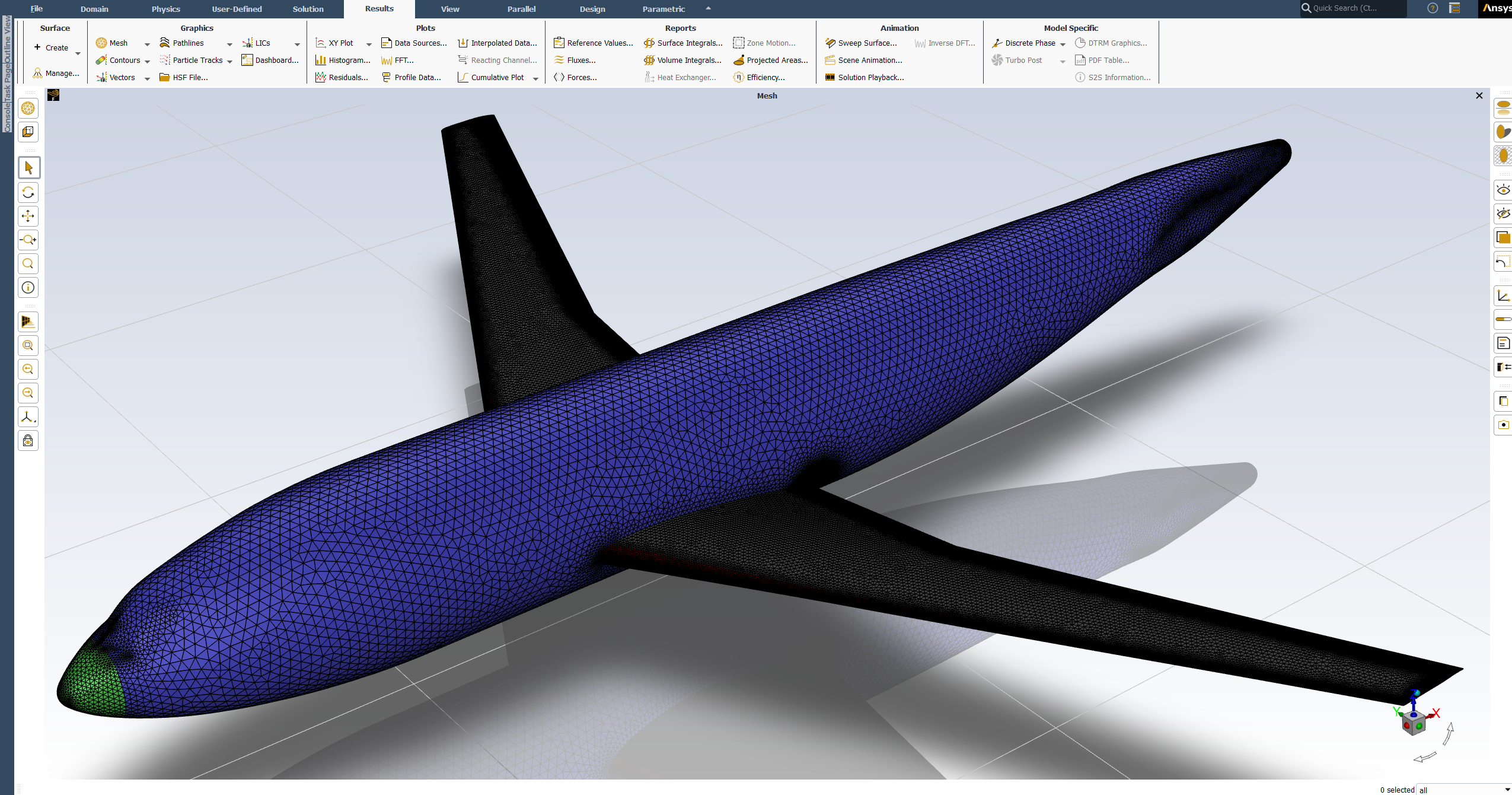
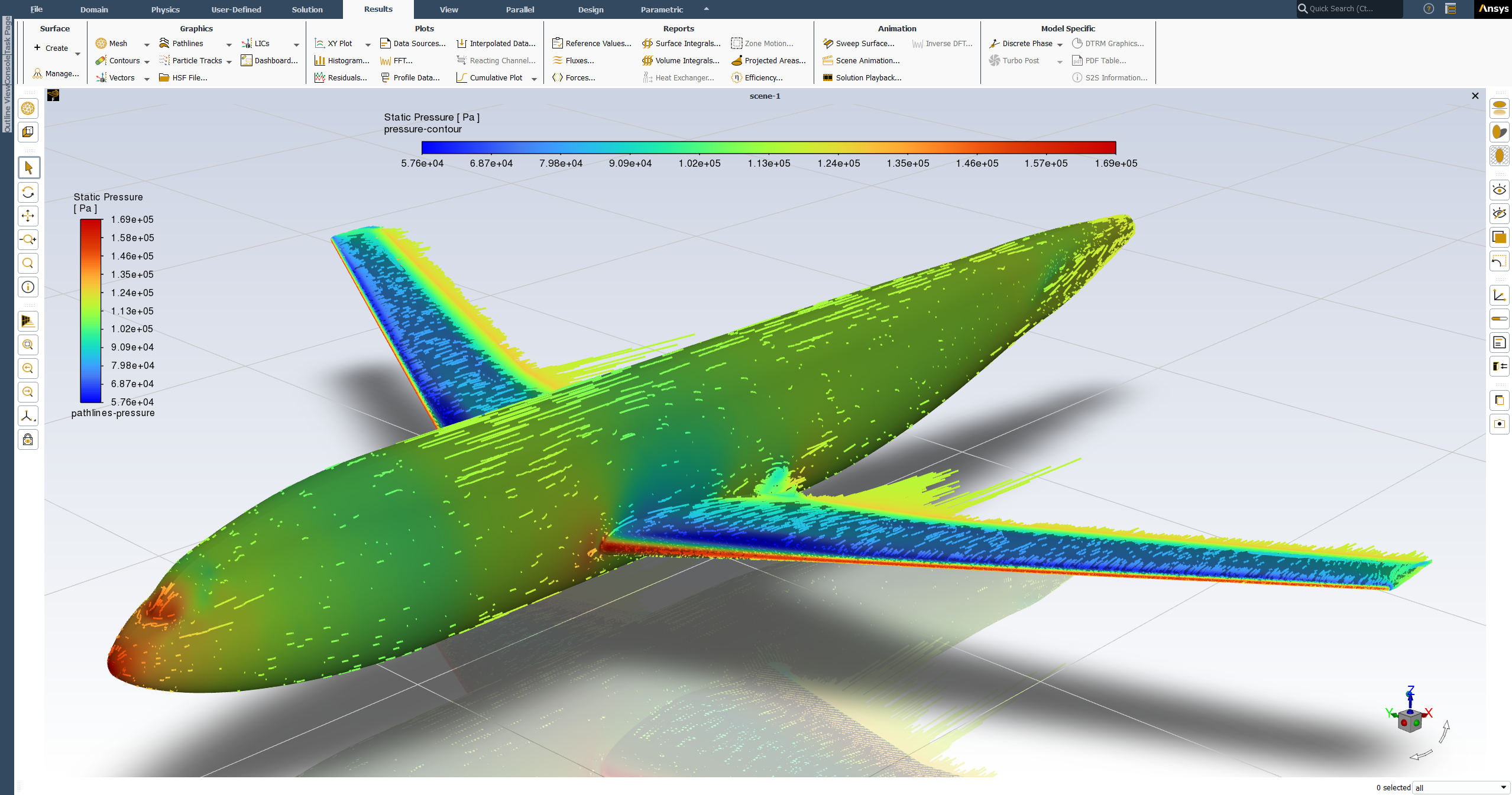
DLR-F6 Wing-Body External Aerodynamics - Full CFD Simulation Workflow in ANSYS FluentDLR-F6 Wing-Body External Aerodynamics - Full CFD Simulation Workflow in ANSYS FluentDLR-F6 Wing-Body External Aerodynamics - Full CFD Simulation Workflow in ANSYS Fluent
32 min video

DLR-F6 Wing-Body External Aerodynamics - Full CFD Simulation Workflow in ANSYS Fluent

Production-ready DLR-F6 wing-body external aerodynamics CFD - geometry preparation through solver setup, post-processing, and experimental validation with y⁺ ≤ 1 transition modeling.

$50USD
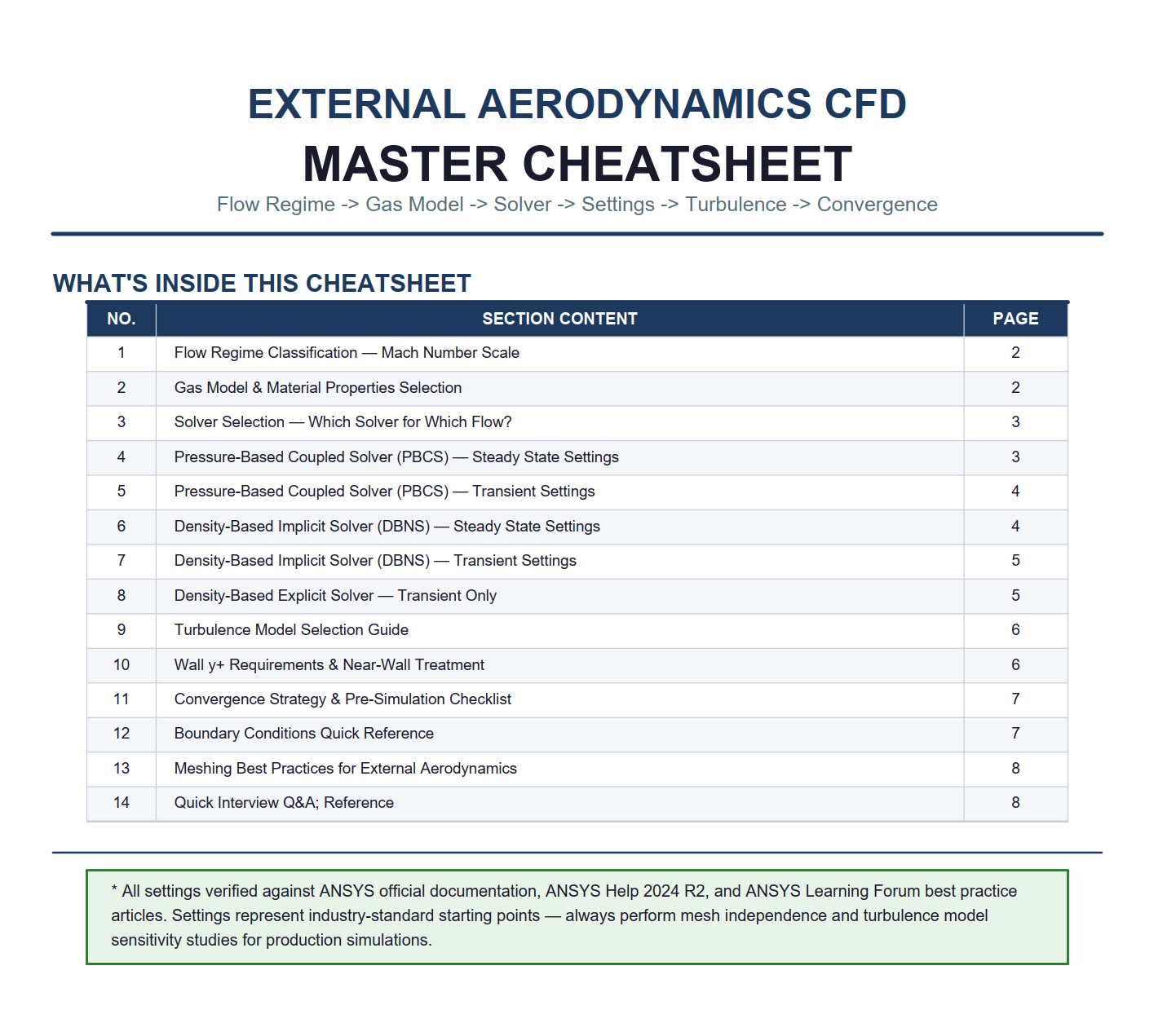
External Aerodynamics CFD Decoded - Pre-Simulation Knowledge, Industry Best Practices & Interview Preparation GuideExternal Aerodynamics CFD Decoded - Pre-Simulation Knowledge, Industry Best Practices & Interview Preparation Guide
19 min video

External Aerodynamics CFD Decoded - Pre-Simulation Knowledge, Industry Best Practices & Interview Preparation Guide

Pre-simulation decision framework for external aerodynamics CFD - flow regime classification, solver and turbulence selection, convergence strategy, and interview preparation.

$30USD
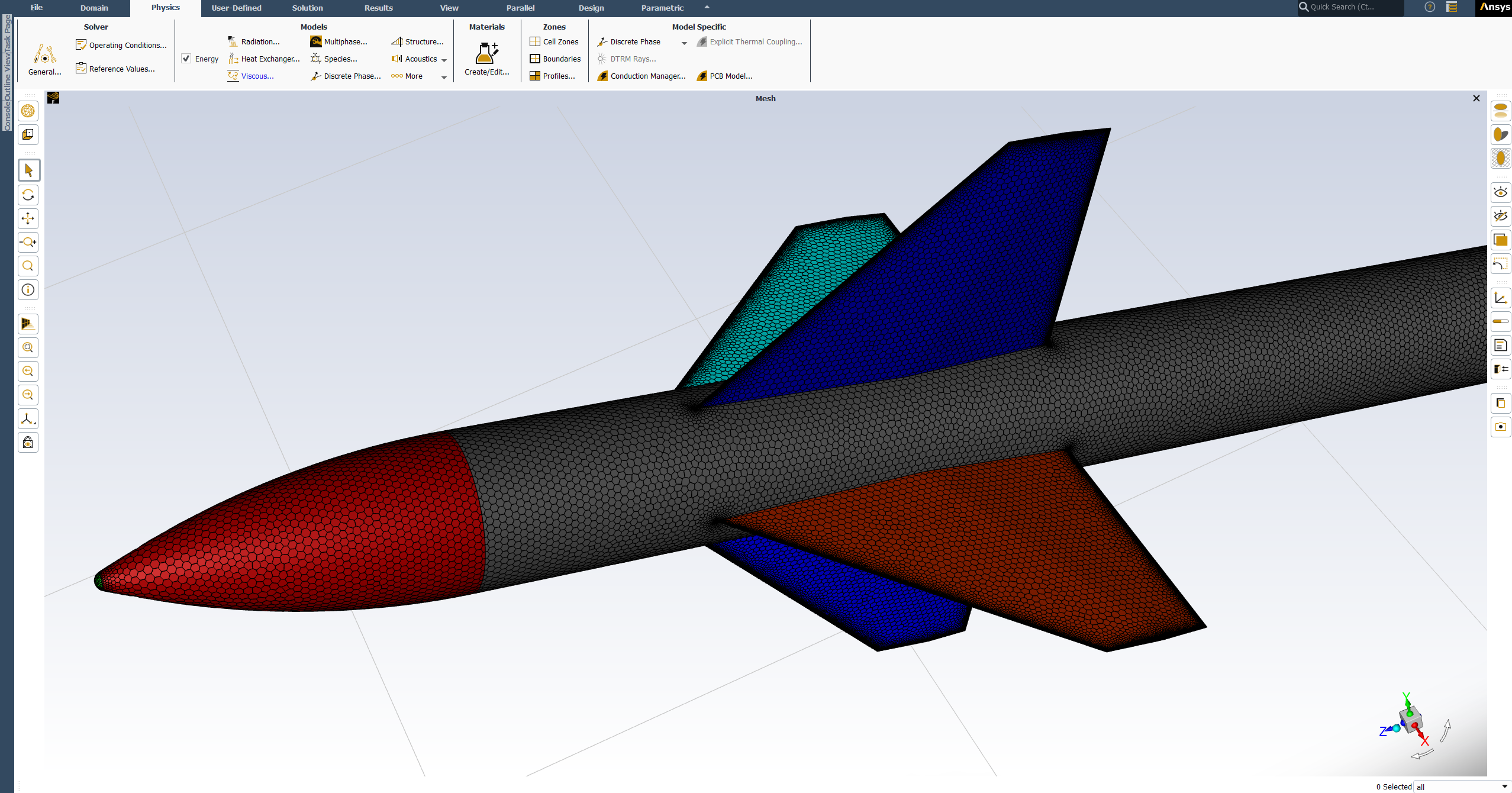
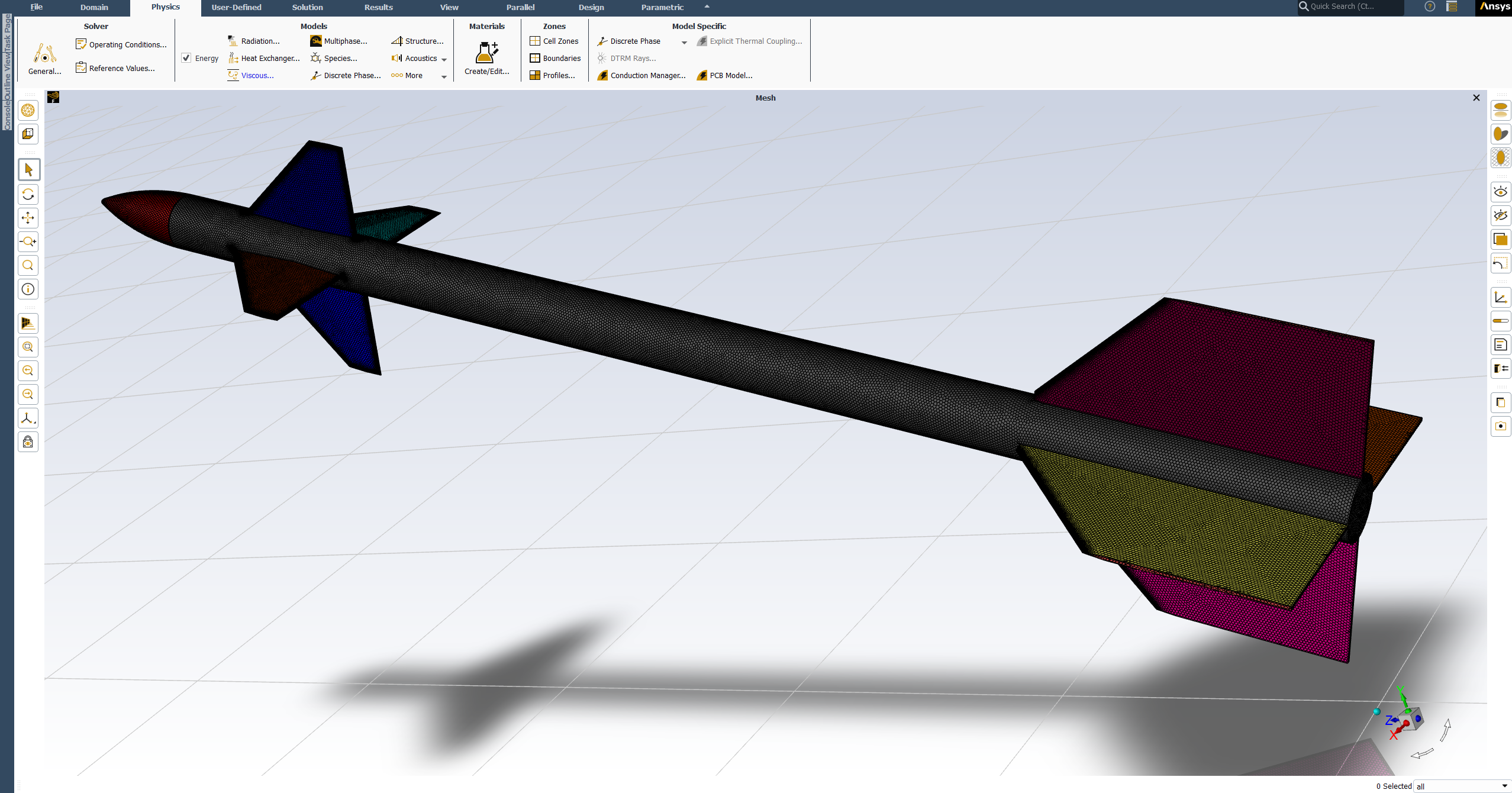
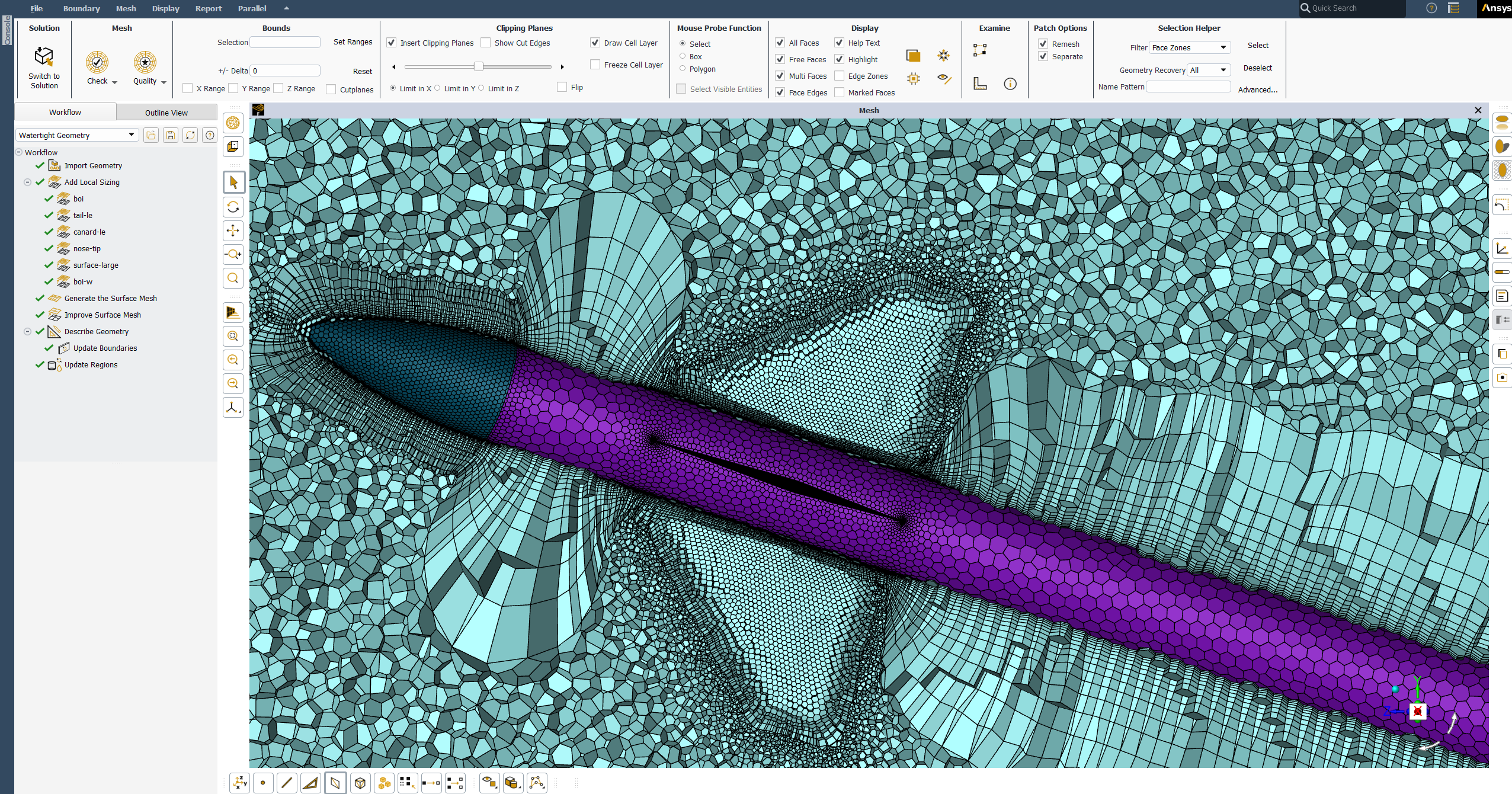
NASA Canard Missile CFD Mesh Generation Using Custom Console Commands in ANSYS FluentNASA Canard Missile CFD Mesh Generation Using Custom Console Commands in ANSYS FluentNASA Canard Missile CFD Mesh Generation Using Custom Console Commands in ANSYS Fluent
20 min video

NASA Canard Missile CFD Mesh Generation Using Custom Console Commands in ANSYS Fluent

Production-ready polyhedral mesh generation for the NASA Canard Control Missile using custom ANSYS Fluent console commands - full control over every meshing decision on a supersonic benchmark case.

$50USD
CFD Simulation · NACA-RESEARCH-PROPELLER-CFD-WORKFLOW-ANSYS-FLUENT

NACA Research Propeller External Aerodynamics - Complete CFD Simulation Workflow in Ansys Fluent

Complete NACA 4-(3)(08)-03 research propeller external aerodynamics CFD - Reference Frame Motion Modeling, periodic sector domain, and thrust validation against published NACA experimental data.

NACA Research Propeller External Aerodynamics - Complete CFD Simulation Workflow in Ansys Fluent

About this project

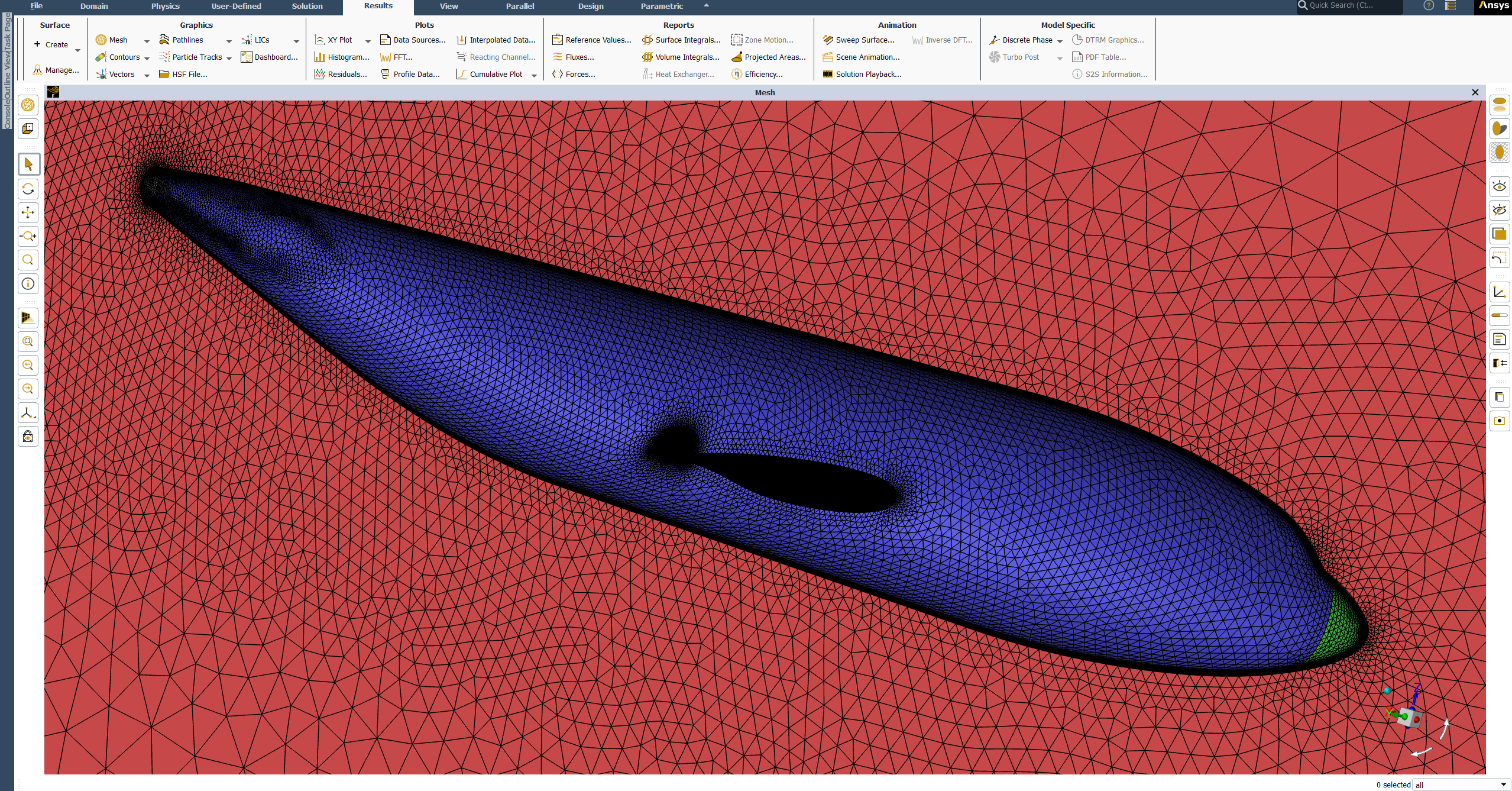
A complete external aerodynamics CFD simulation of the NACA 4-(3)(08)-03 two-blade research propeller, one of the most well documented propeller geometries in aerodynamics, with published experimental data available for validation. This project covers the full CFD workflow from geometry preparation in SpaceClaim to post-processing and experimental thrust validation in Ansys Fluent. The simulation is built around the Reference Frame Motion Modeling approach, also known as the Frozen Rotor method, which allows the rotating propeller to be simulated efficiently without physically moving the mesh, making it ideal for steady-state propeller aerodynamics. The domain is modeled as a 180 degree periodic sector taking advantage of the two-blade symmetry to reduce computational cost while preserving full solution accuracy. Special attention is given to the correct setup of the rotating and stationary fluid domains, the creation of rotational periodic interfaces and the proper blade wall boundary condition setup inside a rotating reference frame. Every solver setting and modelling decision is explained in detail so you understand not just what to select, but why, giving you the engineering judgment to apply the same approach to your own rotating machinery projects.
Learning outcomes

  1. Prepare the propeller geometry in SpaceClaim including rotating and stationary fluid domains, bodies of influence, Shared Topology and Named Selections.
  2. Generate a high quality mesh using the Watertight Geometry Workflow with local sizing controls and boundary layer setup for rotating machinery external aerodynamics.
  3. Set up a steady-state compressible flow simulation using the Reference Frame Motion Modeling approach with rotational periodic boundary conditions.
  4. Calculate thrust from CFD results, validate against published NACA experimental data and post-process results including pressure contours, axial velocity contours and helical slipstream pathlines.

What's included

Full step-by-step video walkthrough
NACA propeller geometry files in Step, IGES, Parasolid and SpaceClaim formats
Fully prepared watertight geometry file ready for meshing
Console command text file for periodic interface creation
CFD results validation report

Compatible software

ANSYS 2020 R1 or newer

Primary workflow requires ANSYS 2020 R1 or newer. Universal geometry formats (STEP, IGES, Parasolid, SpaceClaim) also open in older ANSYS releases and other CAD/CFD tools.

After purchase, you'll get:

Project files · locked

○ LOCKED
2pale-solid Geom.scdocSpaceClaim 2024 · TBD
2pale-solid 2020 Version.scdocSpaceClaim 2020 · TBD
2pale-solid Geom.igsIGES · TBD
2pale-solid Geom.stpSTEP · TBD
2pale-solid Geom.x_bParasolid · TBD
2pale-solid Geom Prepared.scdocSpaceClaim 2024 · TBD
Mesh Interface Command.txtText · TBD

Setup walk-through · locked

○ LOCKED
NACA research propeller full CFD simulation workflow walkthrough
47 MIN · BY TEAM MECHTASIA
LOCKED
$50USD · one-time
LIFETIME ACCESS · ALL FUTURE REVISIONS
  • Full step-by-step video walkthrough
  • NACA propeller geometry files in Step, IGES, Parasolid and SpaceClaim formats
  • Fully prepared watertight geometry file ready for meshing
  • Console command text file for periodic interface creation
  • CFD results validation report
LEARNING PATH CERTIFICATE

Earn your verified certificate

Complete this project as part of the Zero to CFD Simulation Engineer learning path to work toward a shareable certificate - proof you're job-ready as a CFD Simulation Engineer.

  • This project counts toward path completion
  • Public verification ID for recruiters
  • Claim your certificate on the learning path page

More in CFD Simulation

DLR-F6 Wing-Body External Aerodynamics - Full CFD Simulation Workflow in ANSYS FluentDLR-F6 Wing-Body External Aerodynamics - Full CFD Simulation Workflow in ANSYS FluentDLR-F6 Wing-Body External Aerodynamics - Full CFD Simulation Workflow in ANSYS Fluent
32 min video

DLR-F6 Wing-Body External Aerodynamics - Full CFD Simulation Workflow in ANSYS Fluent

Production-ready DLR-F6 wing-body external aerodynamics CFD - geometry preparation through solver setup, post-processing, and experimental validation with y⁺ ≤ 1 transition modeling.

$50USD
External Aerodynamics CFD Decoded - Pre-Simulation Knowledge, Industry Best Practices & Interview Preparation GuideExternal Aerodynamics CFD Decoded - Pre-Simulation Knowledge, Industry Best Practices & Interview Preparation Guide
19 min video

External Aerodynamics CFD Decoded - Pre-Simulation Knowledge, Industry Best Practices & Interview Preparation Guide

Pre-simulation decision framework for external aerodynamics CFD - flow regime classification, solver and turbulence selection, convergence strategy, and interview preparation.

$30USD
NASA Canard Missile CFD Mesh Generation Using Custom Console Commands in ANSYS FluentNASA Canard Missile CFD Mesh Generation Using Custom Console Commands in ANSYS FluentNASA Canard Missile CFD Mesh Generation Using Custom Console Commands in ANSYS Fluent
20 min video

NASA Canard Missile CFD Mesh Generation Using Custom Console Commands in ANSYS Fluent

Production-ready polyhedral mesh generation for the NASA Canard Control Missile using custom ANSYS Fluent console commands - full control over every meshing decision on a supersonic benchmark case.

$50USD